Best WordPress Plugins to Push a Single Page to Production
By Jon B.· Updated
Short answer
The best plugin to push a single page to production depends on your site. getSync is the strongest free choice, SirSync suits two-way sync, Toofan adds conflict checks, and StageBridge also creates staging. EZ Page Sync, which we make, fits sites that want snapshots and rollback.
Disclosure: we make EZ Page Sync, so read this with that in mind. Every rival fact below comes from that plugin's own WordPress.org listing, checked in November 2026. We did not run performance tests on these plugins.
All five tools avoid the classic staging problem: replacing a live database to ship one page. They differ in price, recovery options, and how many other plugins they understand.
How do the five plugins compare?
Here is the short version. All of these plugins are young, so test on a copy of your site first.
| Plugin | Price | Rollback | Best for |
|---|---|---|---|
| getSync | Free | Not mentioned | Wide plugin support at no cost |
| SirSync | Free, paid Pro add-on | Not mentioned | Two-way push and pull |
| Toofan Stage-to-Live Sync | Free | Not mentioned | Blocking pushes over live edits |
| StageBridge | No paid tier listed | Full backups and restore | Creating staging from scratch |
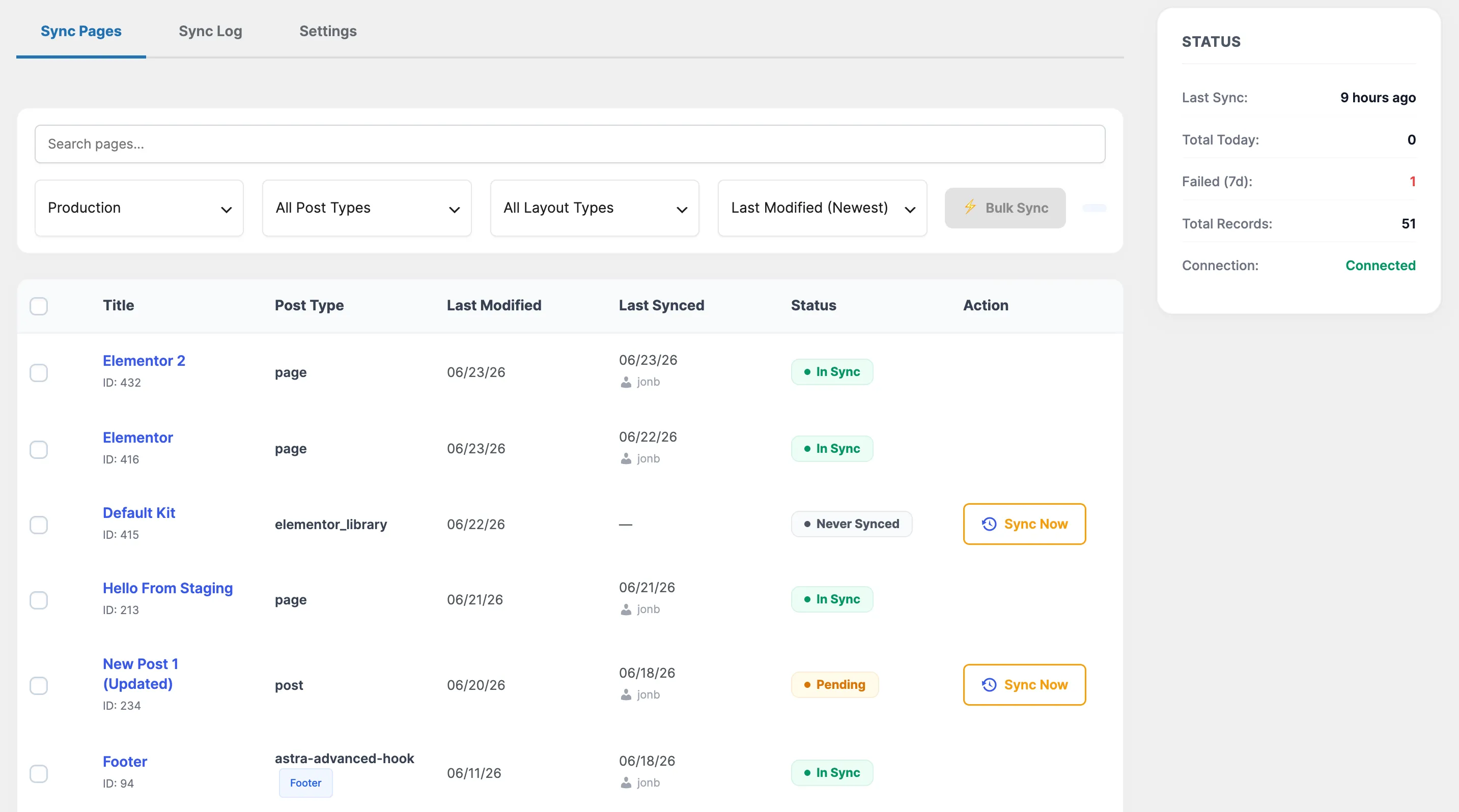
| EZ Page Sync | Free tier, paid from $89/yr | Page snapshots, auto on failure | Page-level recovery |
Which plugin is best if you want it free?
getSync. Its listing includes custom post types, media, ACF, WooCommerce products, Elementor, and SEO data for free. It also supports WPML and Polylang. Its listing does not mention backups or rollback, so keep your own backups.
Toofan is also free, and its conflict check rejects pages edited on live since your last push. EZ Page Sync's Free tier is narrower: it covers pages and posts, and media and custom fields need Premium.
Which plugin is best for two-way sync?
SirSync. It can push and pull between paired sites, and Pro adds scheduling and menus. If production content needs to flow back to staging, start there.
Which plugin is best if you have no staging site?
StageBridge. It creates staging inside your install, then applies changes that don't conflict with production. It also covers files and full backups. Its listing rules out hosts that lock wp-config.php, so check yours first.
When is EZ Page Sync the right pick?
Choose it when recovery matters most. It snapshots the target page before every sync, restores it automatically if a sync fails, and Premium adds one-click restore. It also documents its request signing in detail, and works across two separate sites on any host.
It's the wrong pick if you need Rank Math, WPML, or Polylang support, a free media sync, or a tool that creates staging for you.
Sources
Guide FAQ
Frequently Asked Questions
What is the best free plugin to push one page to live?
getSync has the widest free feature list of the plugins we checked, including media, ACF, and WooCommerce products.
Are these plugins safe on a live store?
They avoid replacing the database, which removes the biggest risk. Still, test on a copy of your site and keep your own backups, because most listings don't mention rollback.
Did you test these plugins?
This comparison uses each plugin's own WordPress.org listing. We did not run hands-on or speed tests on rival plugins.