How to Push a Single Page to Live on Kinsta
By Jon B.· Updated
Short answer
Kinsta has no single-page push. Its selective push works on files and database tables, and pushing the database discards live changes made since staging was created. To ship one page, use a page-level sync plugin on both environments, or recreate the page on live by hand.
Kinsta's staging push is a good tool for what it does. It just works at a different level from the one you need when a single page has changed.
Here's what the push really does, based on Kinsta's own docs, and how to work around it for one page.
What does Kinsta's push do?
You can push all files or specific files and folders, and all database tables or specific ones. Kinsta creates a backup of the target environment before the push, so you can roll back.
Kinsta warns that a database push discards live changes made since staging was created, including comments, orders, sign-ups, and new content. Its docs also note that a rollback on a dynamic site can lose data created after the push.
Can you push only one page on Kinsta?
No. Pages live in shared tables, mainly wp_posts and wp_postmeta. Selecting those tables pushes every post in them, not one page. A files-only push doesn't help either, because the page itself lives in the database.
How do you ship one page on Kinsta?
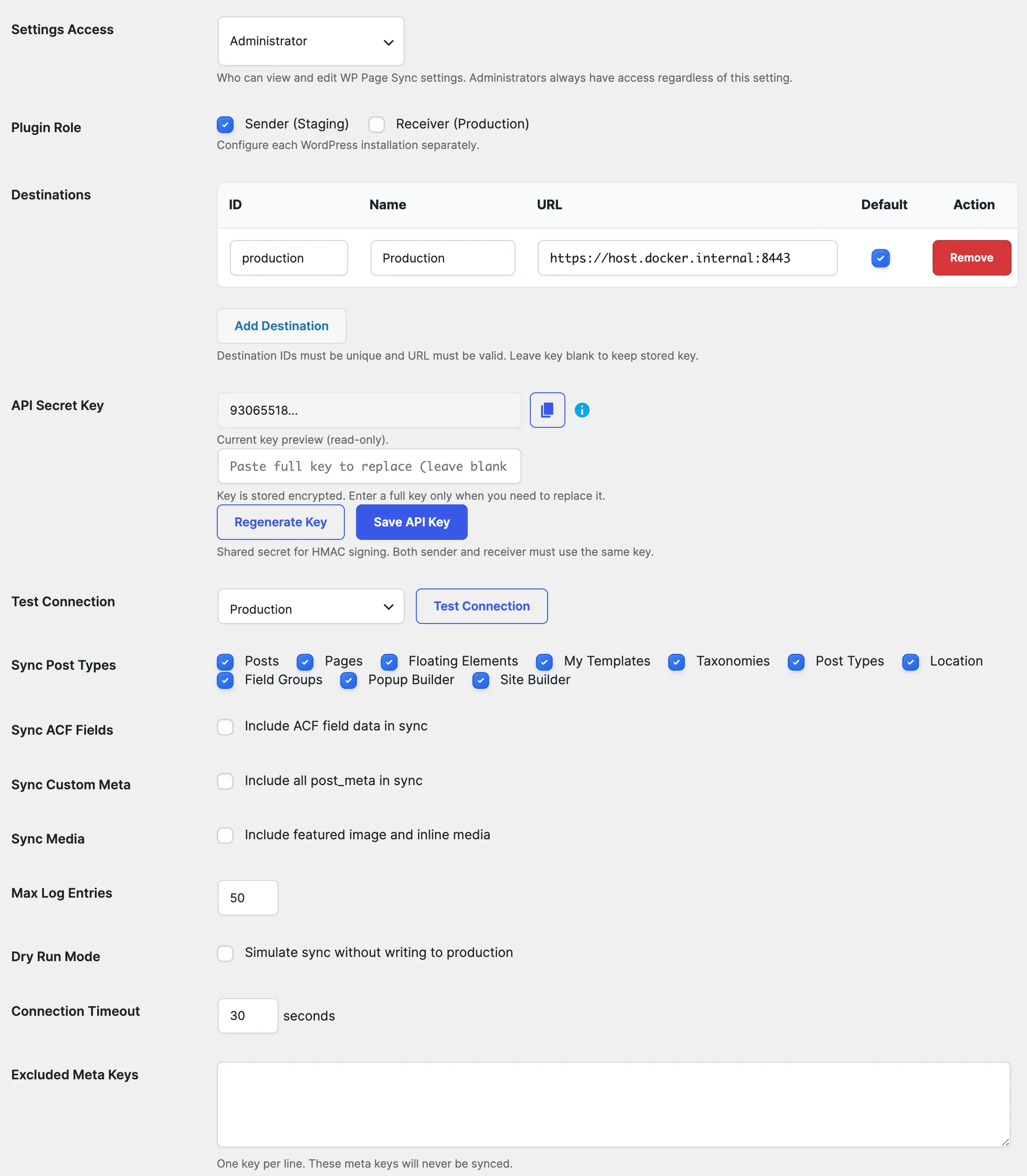
Run a page-level sync plugin on both environments. EZ Page Sync connects your Kinsta staging and live sites over HTTPS and pushes only the page you choose. No SSH or root access is needed.
- 1Install EZ Page Sync on your Kinsta staging and live environments.
- 2Set staging as Sender and live as Receiver, using the same API secret key.
- 3Run Preview or Dry Run on the page.
- 4Sync the page.
- 5Check the live page, and clear Kinsta's cache if the old version still shows.
When should you still use Kinsta's push?
Use it for theme and plugin file changes, a files-only design update, or a site that has no live activity to protect. Page sync moves content, not files.
Guide FAQ
Frequently Asked Questions
Does Kinsta back up before a push?
Yes. Kinsta's docs say it creates a backup of the target environment before the push.
Can I keep WooCommerce orders during a Kinsta push?
Kinsta suggests pushing files only, or selecting tables and leaving out those that hold orders and customer data. A full push overwrites live orders.
Does EZ Page Sync need SSH on Kinsta?
No. It runs as a normal WordPress plugin on both environments.